Creating a comfortable and productive home workspace is essential for anyone who works from home or spends a significant amount of time at their desk. A well-designed space not only improves efficiency but also contributes to your overall health and happiness. Whether you are setting up a new workspace or looking to improve an existing one, these practical tips will help you create an environment that supports both comfort and productivity.
Choose the Right Location
Selecting the best spot for your workspace is a crucial first step. Ideally, pick a quiet area with minimal distractions. If possible, choose a room with a door you can close to help separate work from home life. Consider:
– Natural light: Position your desk near a window to benefit from daylight, which can boost mood and alertness.
– Noise levels: Avoid areas near busy parts of the house, such as kitchens or living rooms, if noise distracts you.
– Space: Ensure there is enough room for your computer, necessary equipment, and some personal items.
Prioritise Ergonomics
Comfort and ergonomics go hand in hand in preventing strain and injury during long working hours. Key points to consider include:
– Desk and chair height: Your desk should allow your elbows to be at a 90-degree angle when typing. Choose an adjustable chair that supports your lower back and allows your feet to rest flat on the floor.
– Screen position: Place your monitor at eye level, about an arm’s length away. This reduces neck and eye strain.
– Keyboard and mouse: Keep these close enough to prevent overreaching, and use wrist supports if needed.
– Take regular breaks: Stand, stretch or walk around at least once every hour to avoid stiffness.
Optimise Lighting
Good lighting is vital for reducing eye strain and maintaining focus. When setting up your lighting:
– Use a combination of natural light and adjustable artificial lighting.
– Avoid harsh overhead lights that create glare or shadows on screens.
– Consider a desk lamp with adjustable brightness for task lighting.
– Position screens to minimise reflections, preferably perpendicular to windows.
Declutter and Organise
A tidy workspace helps clear your mind and reduces distractions. To keep organised:
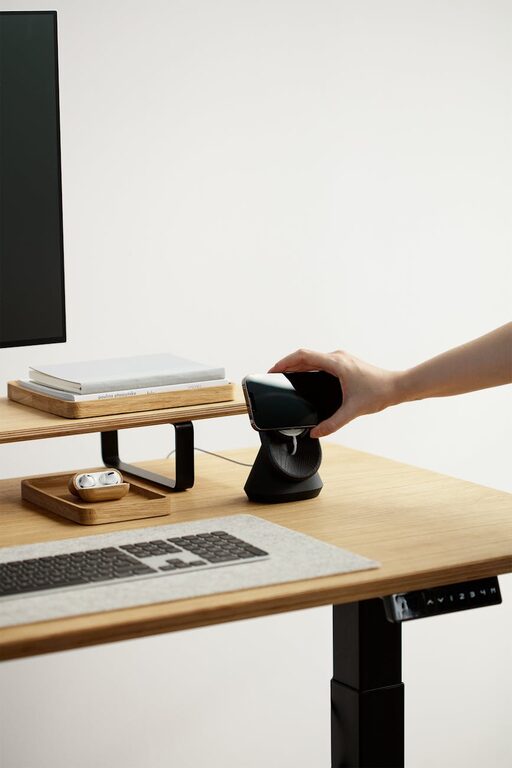
– Use storage solutions like shelves, drawers or boxes to keep items off your desk.
– Keep only frequently used items within arm’s reach.
– Label files and organise digital documents regularly.
– Adopt minimalist principles by limiting personal items to a few meaningful pieces.
Personalise Thoughtfully
Your workspace should feel inviting and motivating without being cluttered. Personalise it with:
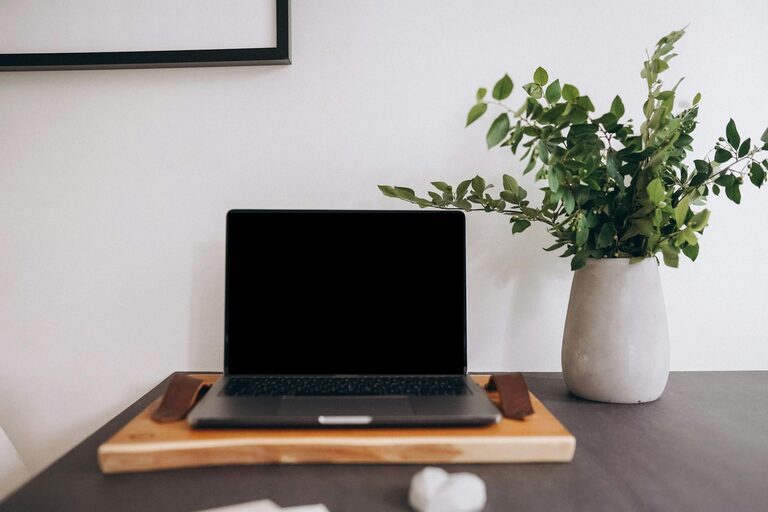
– Plants, which can improve air quality and boost mood.
– Inspirational artwork or photos that make you happy.
– A comfortable rug or cushions that add warmth.
– A water bottle or coffee mug to stay hydrated and comfortable.
Manage Technology Efficiently
Technology is crucial but can also be a source of frustration if not managed well. Tips include:
– Use a reliable internet connection to avoid interruptions.
– Invest in quality peripherals like a keyboard and mouse that suit your needs.
– Keep cables organised with clips or sleeves to avoid tangles.
– Ensure good ventilation around your computer to prevent overheating.
Set Boundaries and Routine
Creating a clear boundary between work and home life helps maintain balance and productivity.
– Start and finish work at consistent times.
– Use a dedicated work area rather than working from a sofa or bed.
– Communicate your working hours to family or housemates.
– Establish rituals such as tidying your desk at the end of the day.
Add Comfort Features
Small touches can make your workspace more comfortable:
– Use a footrest if your feet do not touch the floor comfortably.
– Add cushions or lumbar support to your chair.
– Maintain a comfortable room temperature, using fans or heaters if necessary.
– Play soft background music or white noise if it helps your concentration.
Summary
Designing a home workspace that balances comfort and productivity is achievable with thoughtful planning and organisation. By focusing on your location, ergonomics, lighting, decluttering, personalisation, technology management, clear boundaries, and comfort, you can create a space that supports your work and wellbeing. Remember, the best workspace is one that suits your individual needs and helps you do your best work every day.